
Bryan Stearns’s Show and Tell
My Site
I make computer games, both for a hobby, and tentatively for commercial use as well. Up until now, I haven’t had a proper means of publicly displaying my projects. I had a small webpage with a few links in it, but it was terribly tedious to manually maintain everything in it, and the appearance was very crude. To add to the trouble, I’d have to individually notify all my followers whenever I made an update to anything at all. I set out to remake my old website into a functional solution to my problem.
My Theme
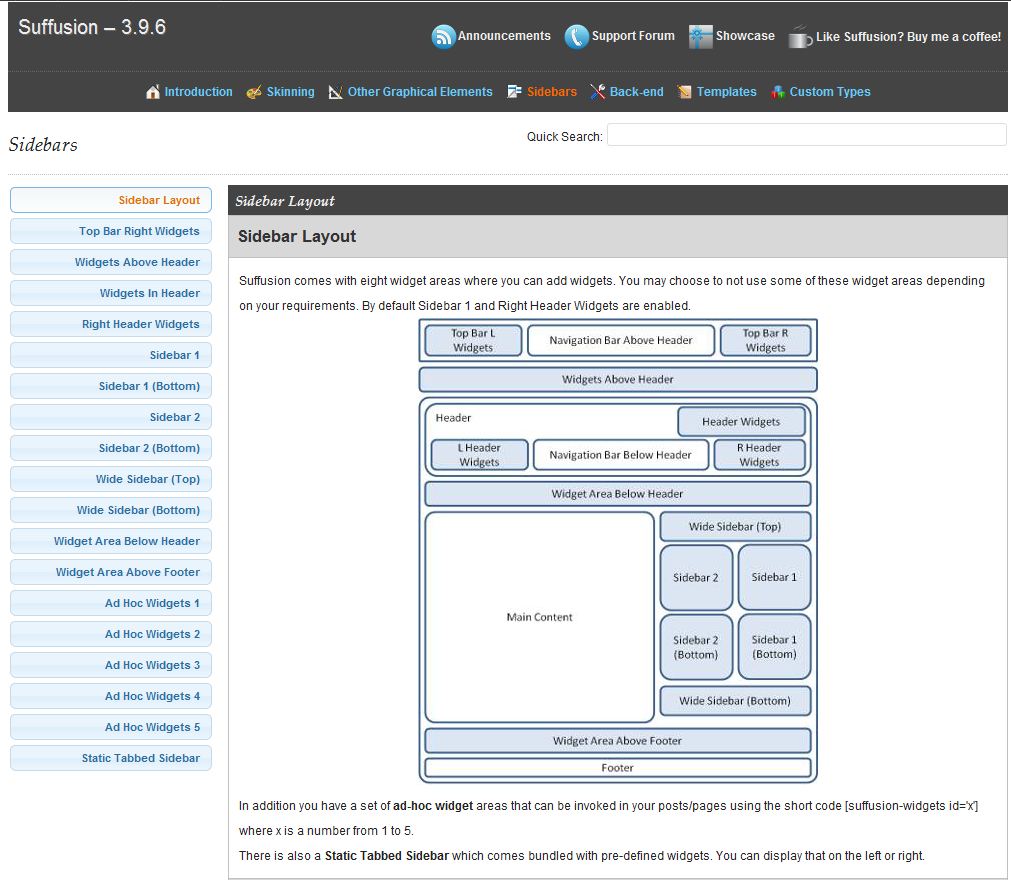
I wanted my theme to be completely flexible, adjustable, and simple. I tried many themes before I landed with Suffusion, the theme you now see. First I had tried Graphene. This theme was okay as far as flexibility went, but it had some compatibility issues with some of my plugins. Then I tried BlogoLife, which, while also pretty flexible, wasn’t friendly with fonts. I tried various others, but they were all terribly uncustomizeable. While Suffusion does lack a few features such as stretching a background image, it has the greatest bang-for-buck that I could find, and I am quite happy with it. It allows a tremendous amount of control for all aspects of the site, yet remains easy to use and understand. It comes with multiple color-skins, tabbed-sidebars, featured-posts, and is compatible with everything I’ve thrown at it.
I styled my site after the blues and reds of the Aurora Borealis, which is the namesake for… my dog, which is the namesake for my company. 😀 I drew the site’s artwork to playfully mesmerize (but not too much), which is something I try to work into my better games as well.
But artwork and themes would be nothing without content and functionality, which is where plugins come in.
Catablog Plugin
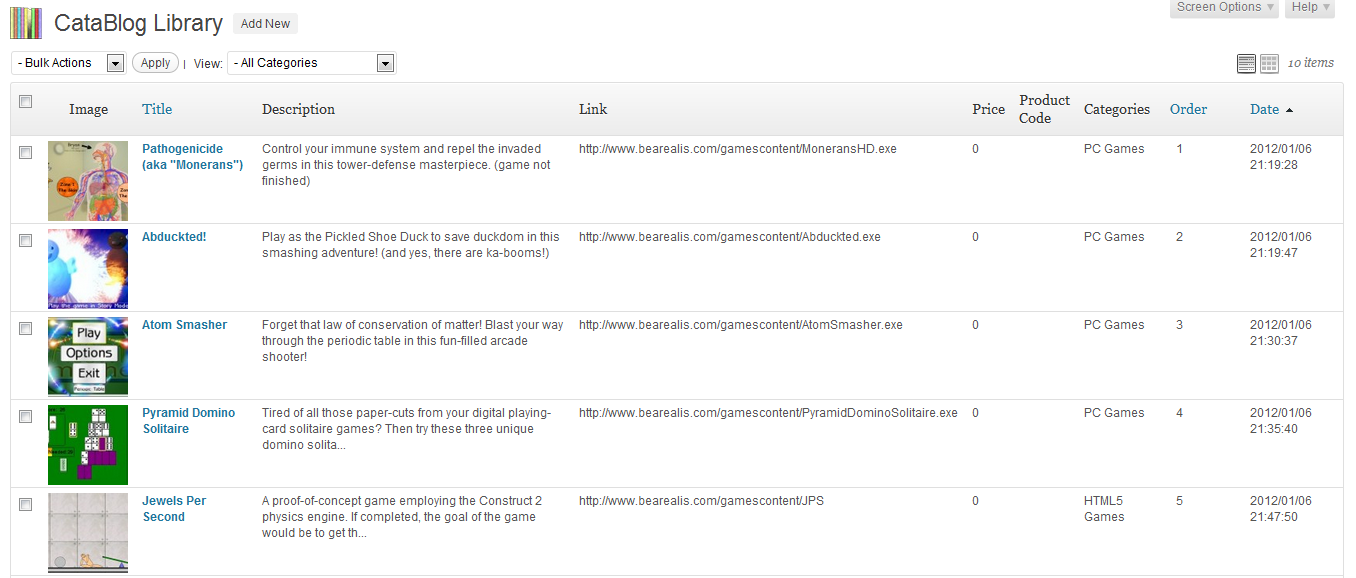
I wanted a plugin for storing media items on my site in an easily-accessible catalog format. Specifically, I wanted to catalog my computer game creations and display that catalog to the public. Besides needing to add, update, or remove items at any time without worrying about formatting or ordering, I needed each item’s image and description to link to the separate file where the game was stored, which meant that the average photo-sorting plugin would not work. I also wanted to be able to limit which items would be displayed on certain pages, so that different kinds of games could be categorized.
I found this plugin called Catablog. It had a 5-star rating and had been downloaded a lot. Catablog turned out to be just what I was looking for. (you can download it here) I’ll use this very plugin to show you some of its features:
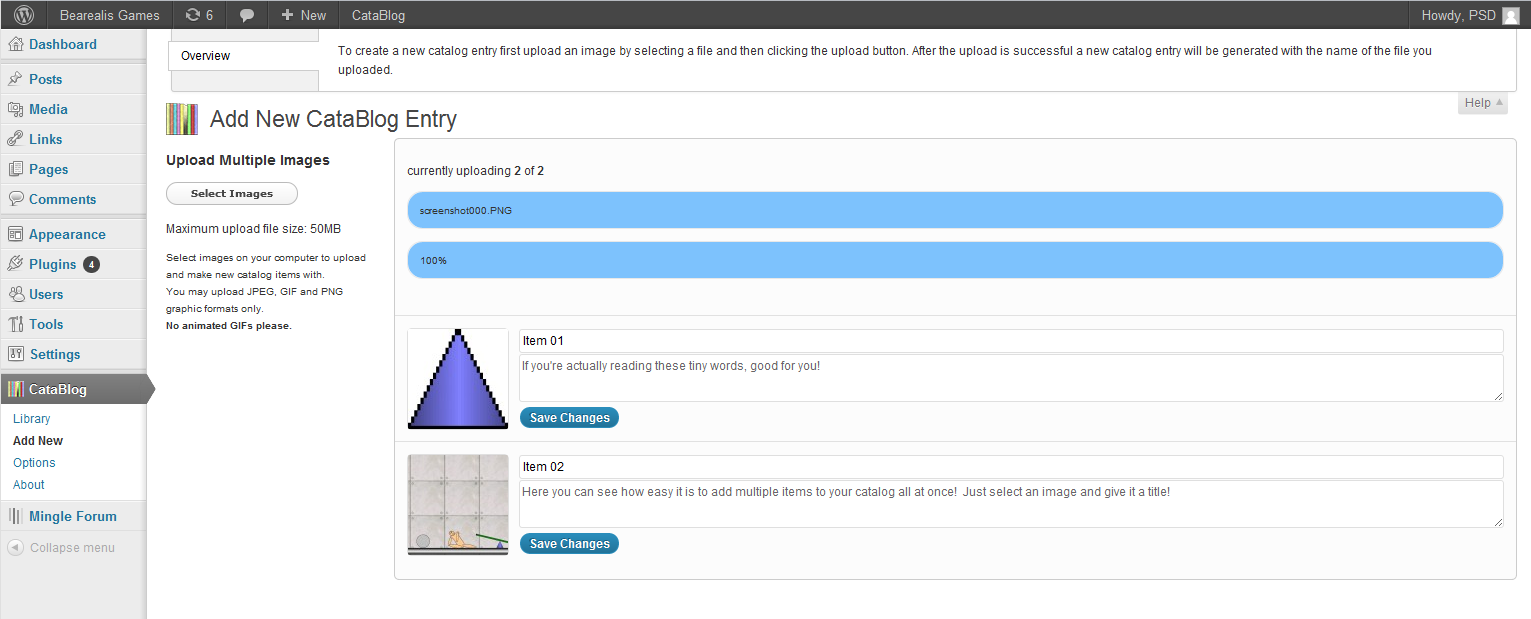
This plugin allows new items to be added, edited, or removed even more quickly than a post!
yet for all the speed and simplicity, it contains an impressive amount of flexibility. It allows multiple pictures per item, and can optionally display them as overlays through a LightBox javascript (click the image).
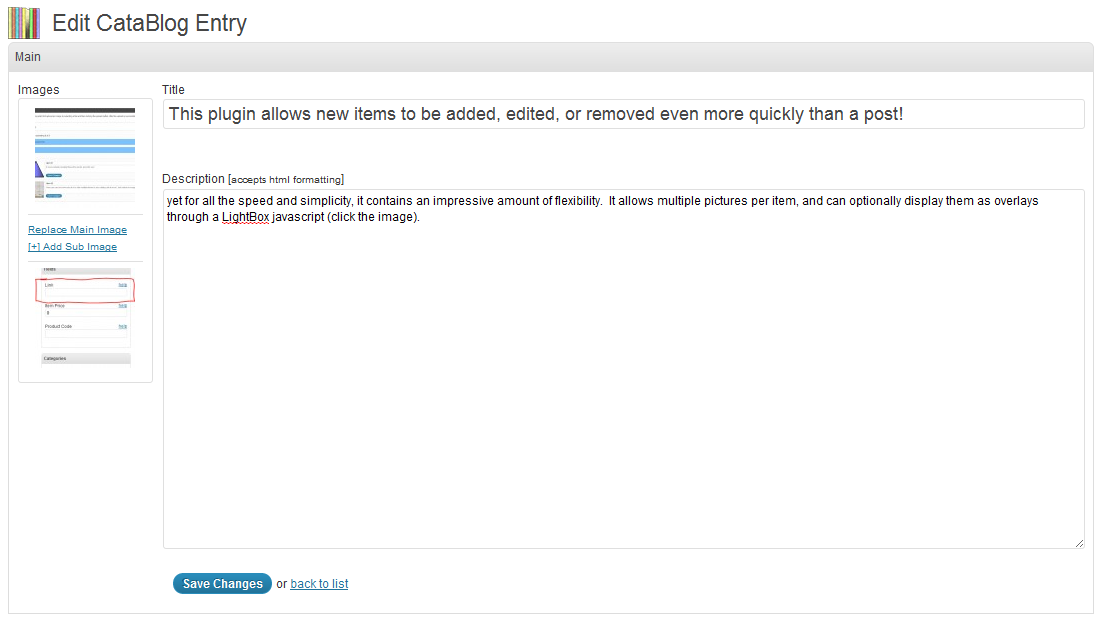
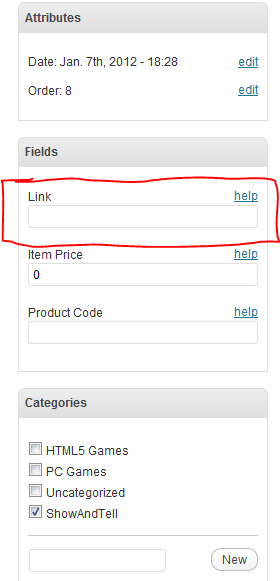
It allows multiple pictures per item, and can use pictures and titles to link to the files of your choice.
Click this title to go to Catablog's support site, where help and details can be found!
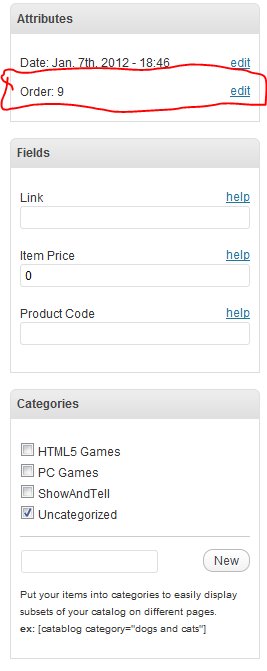
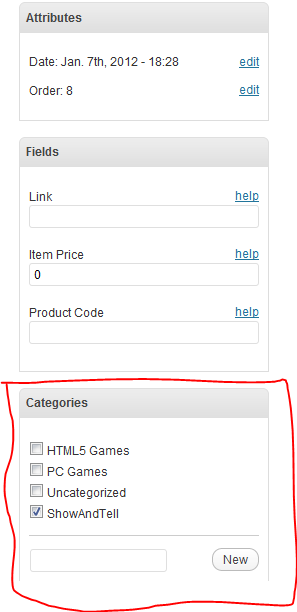
You can control the order of items in Catablog, as well as filter which items get shown on certain pages.
Simply paste the Catablog shortcode anywhere in any page you want, and the catalog will appear! Adding a few words to the shortcode will control what categories will be displayed. (This presentation segment is all contained in one category. You can see other categories I use by visiting other pages of this site.)
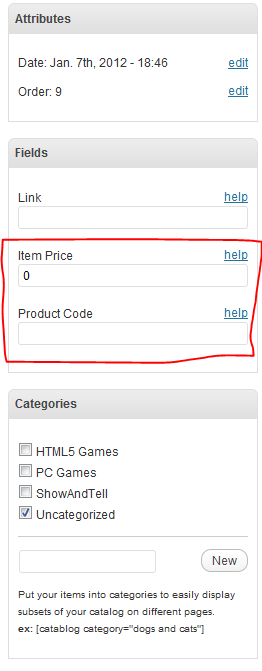
Finally, Catablog offers the ability to sell any items using your Paypal account whenever you decide that that one special item is worth selling.
The optional presence of this feature is what really "sold" me on this impressive plugin. I'm not using these feature currently, but it's nice to have on hand.
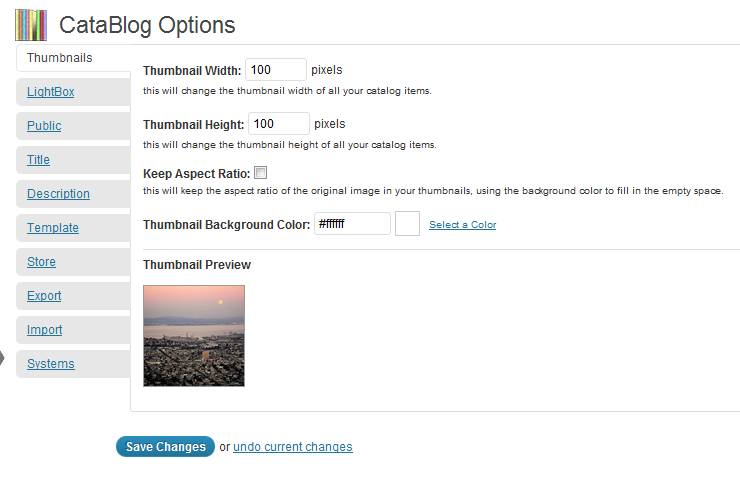
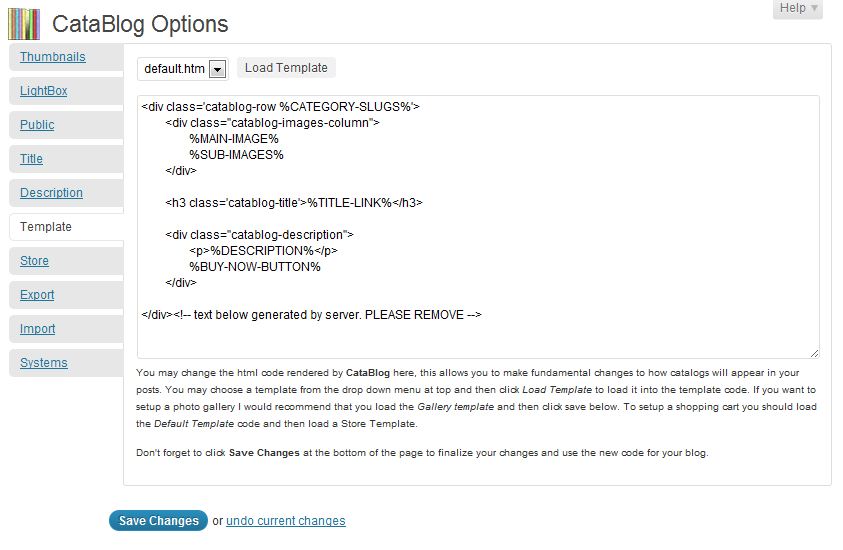
There are, of course, many other things Catablog can do, in addition to many things it cannot do.
Catablog doesn't give much room for customization in regards to physical spacing or columns (unless you add a template, which requires some coding knowledge), nor does it well-accommodate sorts or multi-page displays, but it has the features I desired, so I'm happy.
Try Catablog for yourself and see how easy it is!
Mingle Forum Plugin
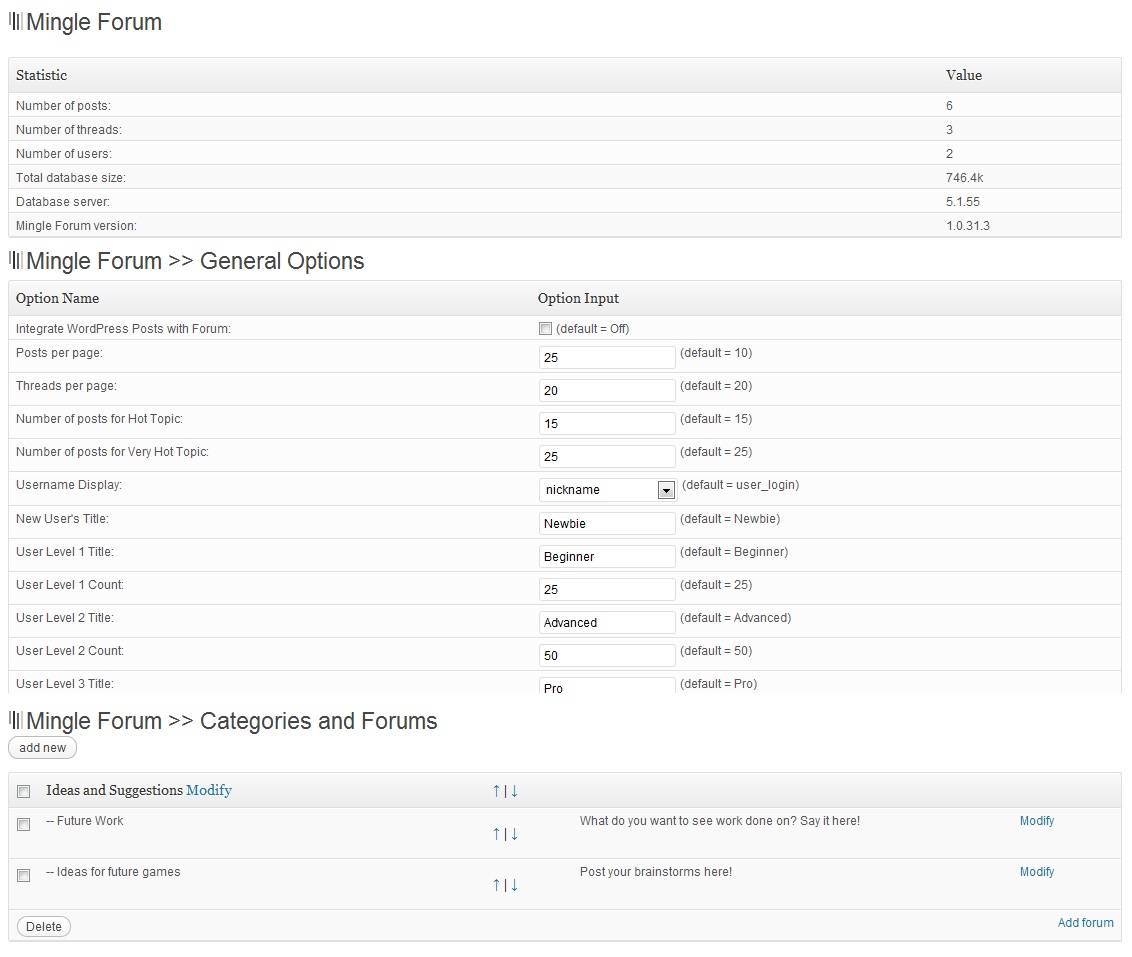
I’d always wanted a full-featured forum in my site, such as would allow me to keep up with feedback as well as communicate with friends and acquaintances. After doing a bit of digging, the Mingle Forum plugin seemed like the best choice for me.
Mingle Forum was designed to be simple, lightweight, and effective. Its name comes from the fact that it is built to work with the Mingle social-networking plugin, but it works just as well without, which is how I use it. This plugin basically has all the functionality of any average forum you may find on any site. Among its features are search-bars, user account options, custom skins, sticky-posts/topics, Captcha codes, and user groups.
The forum itself is incredibly easy to set up. Simply paste its smartcode snippet in a page, set up a few categories, and you’re done! Take a look at the forum I’ve established on this site to see the various levels and features that come standard with this phenomenal tool!
Other Plugins
While these two are the main plugins I’ve implemented, there are a few others of note that I’ve added to my site:
Contact Form 7
– Used for the “Contact” page
BackWPup
– Used for scheduled backups of the website
Avatars
– Allows users to create or use avatars local to this site or from Twitter, instead of only gravatars, which not everyone knows how to use
html5ify for WP
– Enables the HTML5 tags <header>, <footer>, <aside>, <canvas>, <video>, <audio>, <source>, and others in your post editor; useful for my html5 game projects
WP Google Fonts
– Allows easy implementation of the Google Fonts library
WP-Polls
– Creates the poll widget on my home page
Summary
Well, there you have it. These are the tools I have learned, and upon which I have built my website. The primary piece of my site is the Catablog plugin, since that is where my primary content is stored. Then there is the Mingle Forum plugin which gives my site a level of interactivity, great both for attracting return visitors and for facilitating feedback. Finally, the Suffusion theme allows my site to both look great and operate properly, both very important. These three features form the foundation for my website, and I can’t imagine trying to implement them without WordPress.
I hope you try these and other features in your own future projects!
Thanks for reading!
Wow! Very thorough! It seems well layed-out and easy for me to understand. I like the active links that let me see the details. I assume you will be clicking on those while doing your class presentation?
A couple of very tiny items…
Near the top, where you explain the Bearealis name:
You might want to add the word “banner” to “artwork” so they know what you are referring to, as opposed to the background, etc. You customized, but didn’t actually draw the background, I think?
Not really sure “namesake” works in that direction, but I hear it used that way often, so no one is going to be confused by it… so it really doesn’t matter… and I might even be wrong in that. I will have to look it up.
But, is “playfully mesmerize” really a “theme” you try to work into your games… or something you want your games to do… (controling the world by hypnotizing us all! Aaaaacccckkkk!) I suggest trying to find a more accurate word… But it’s a minor point that no one but me is likely to raise.
I have a better understanding of how this web-site building works, and I admire the amount of rese arch you did to find the right tools, analyze, and judiciously make selections and then install them… or, should I say, plug them in!?!
Overall: Nice Job!
I did draw the background too. (the part with color anyway, which is all you’ll see unless you make your browser incredibly wide)
I looked up namesake:
namesake (ˈneɪmˌseɪk)
— n
1. a person or thing named after another
2. a person or thing with the same name as another
I think I’m okay using it as I did.
I agree “theme” wasn’t really a good word to use. I changed it.
Thanks!
I forgot to mention that I did notice your “BG” site icon in the corner by the address, and I think it turned out perfectly!
Thanks! I was a little worried the B might be hard to read.
Yes, based on that definition, you are fine using “namesake” as you did.
And I like the way you improved the rest of the sentence. I think it is just right now.
: )